Great news: Svalbard XP has been refreshed and just updated to version 1.2! The changelog for this XP12-exclusive update is with “XP12 compatibility w.r.t weather effects i.e. snow covering” quite short. So, yep, basically a compatibility patch, but there is a lot more behind it. I will explain that in more depth further down in this article, but first of all let a few snapshots do the talking:
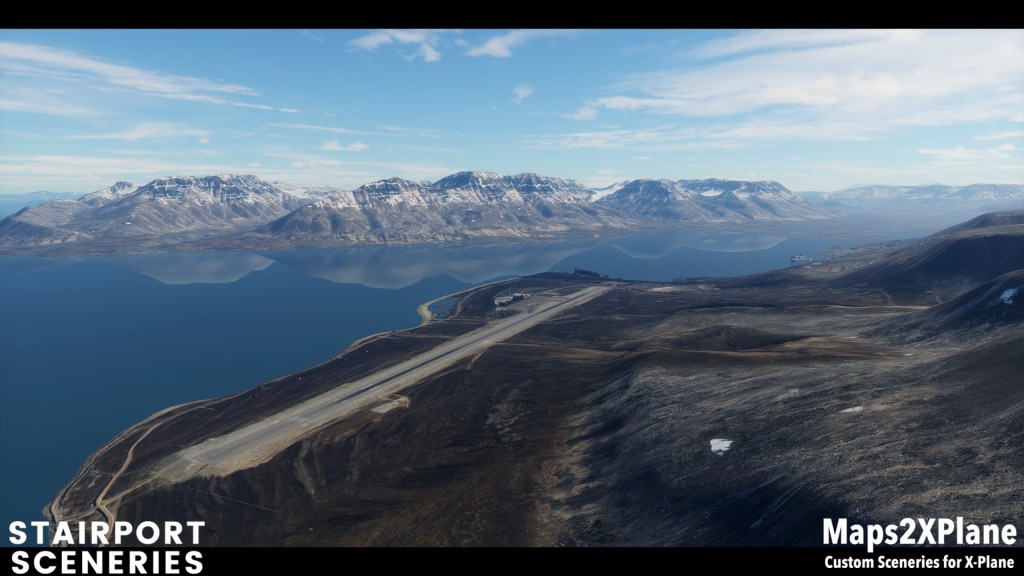
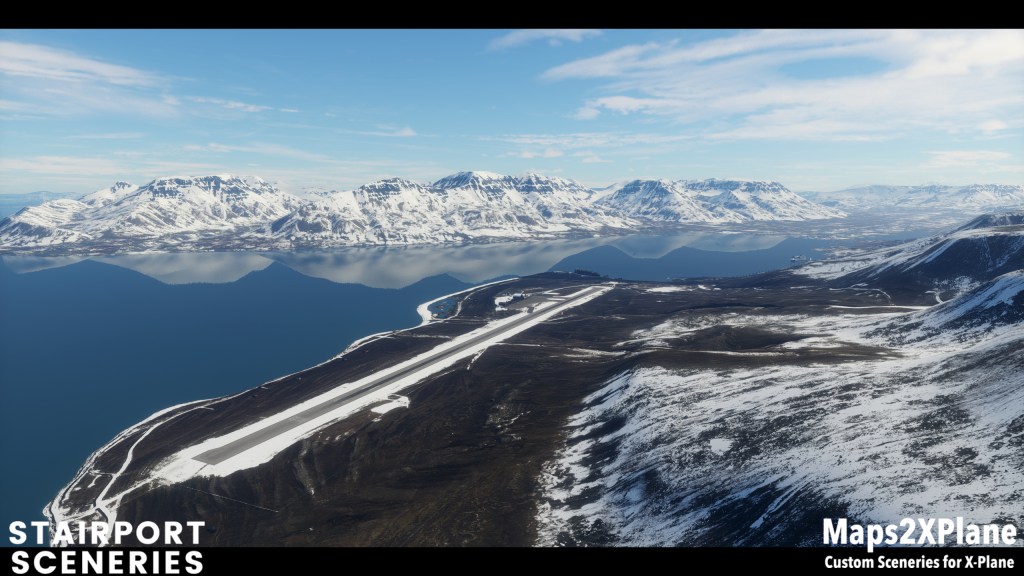
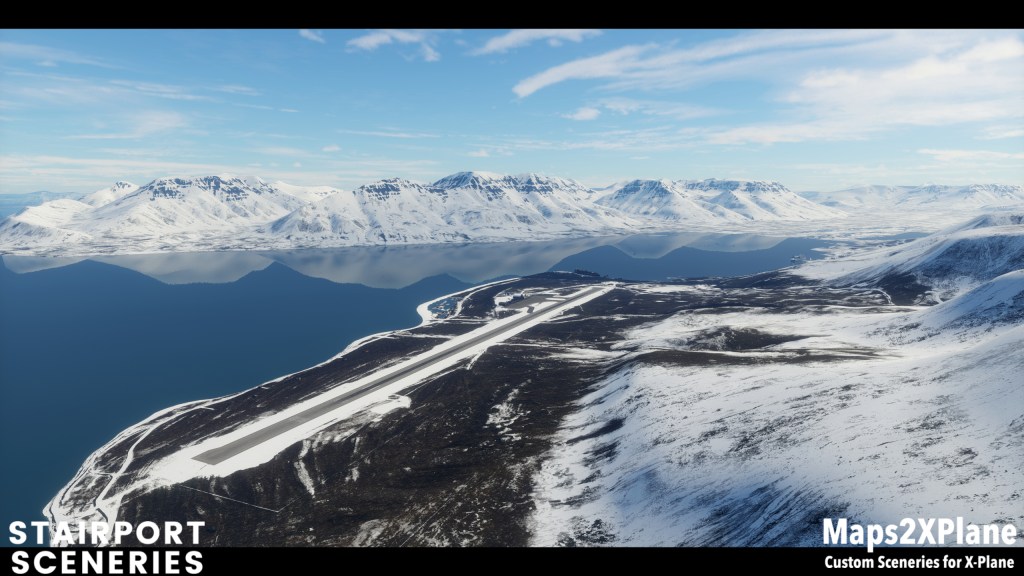
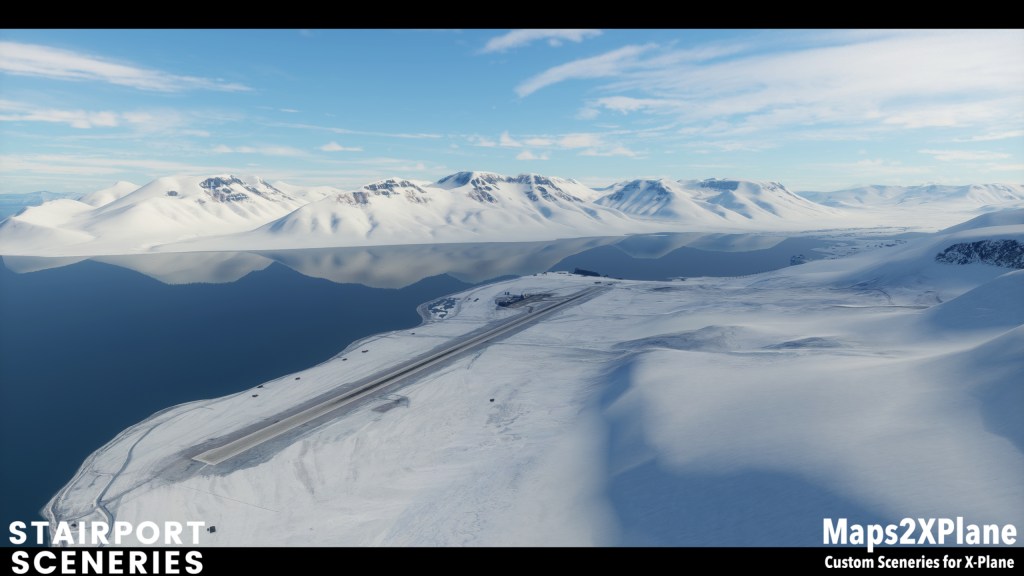
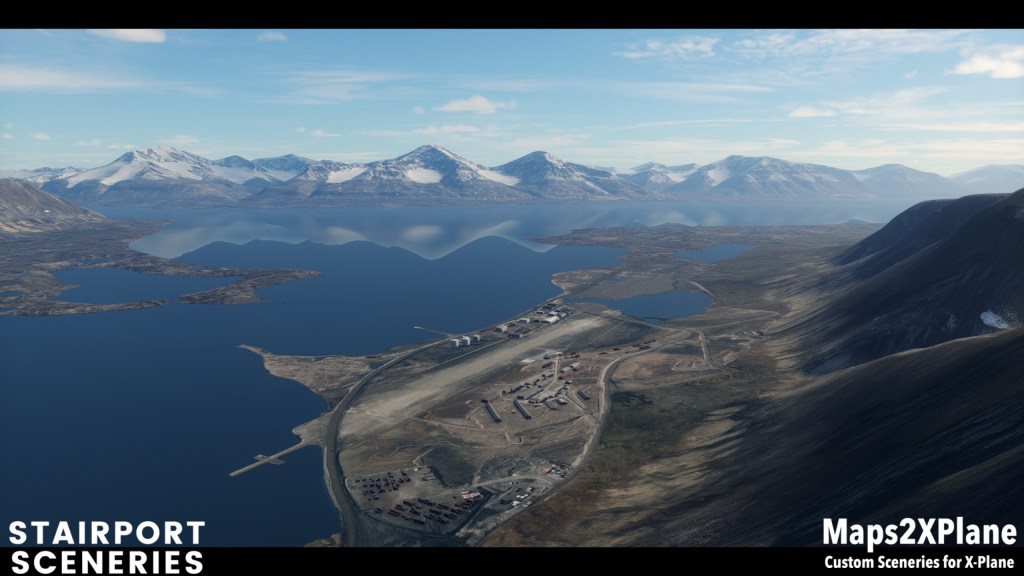
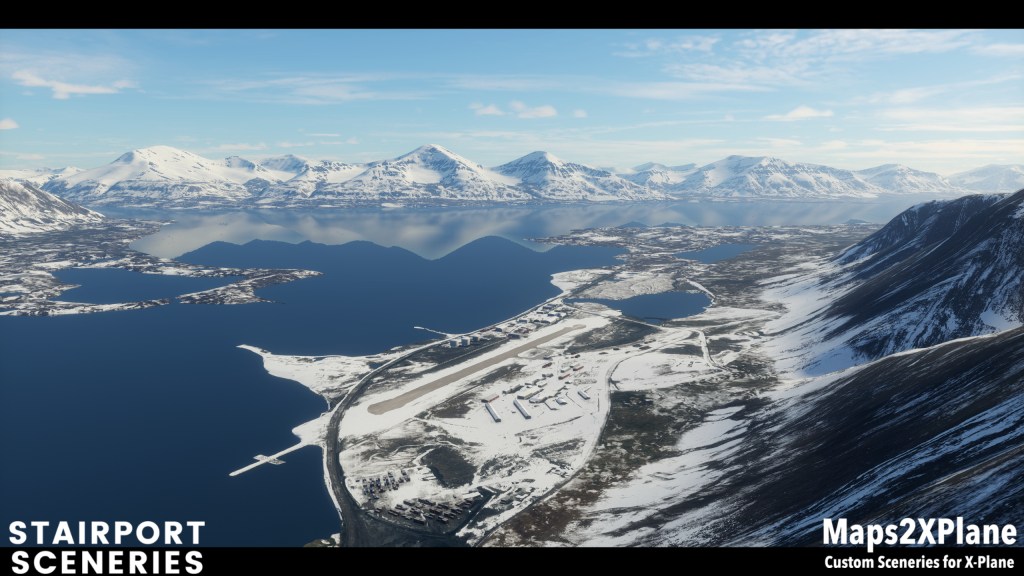
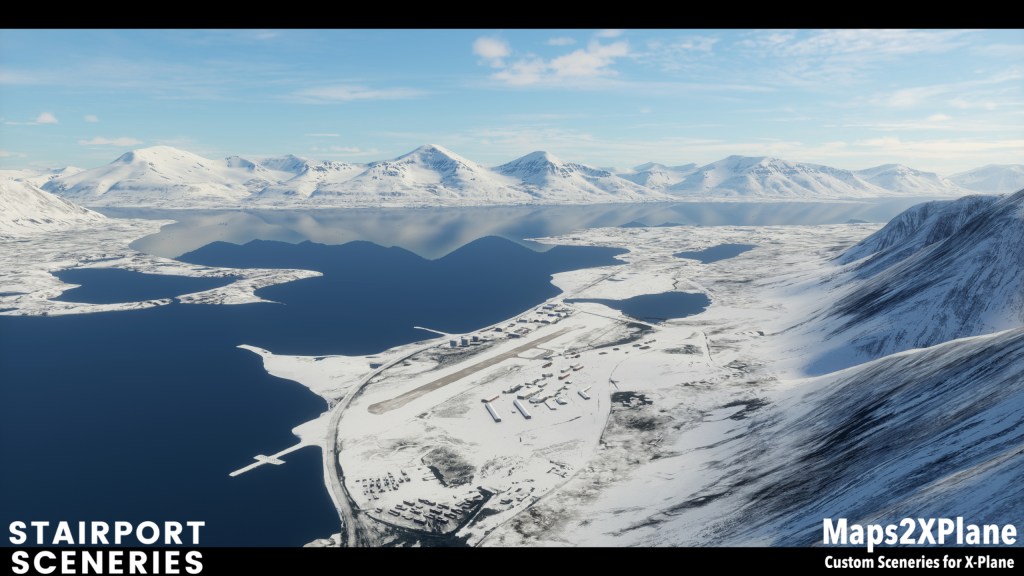
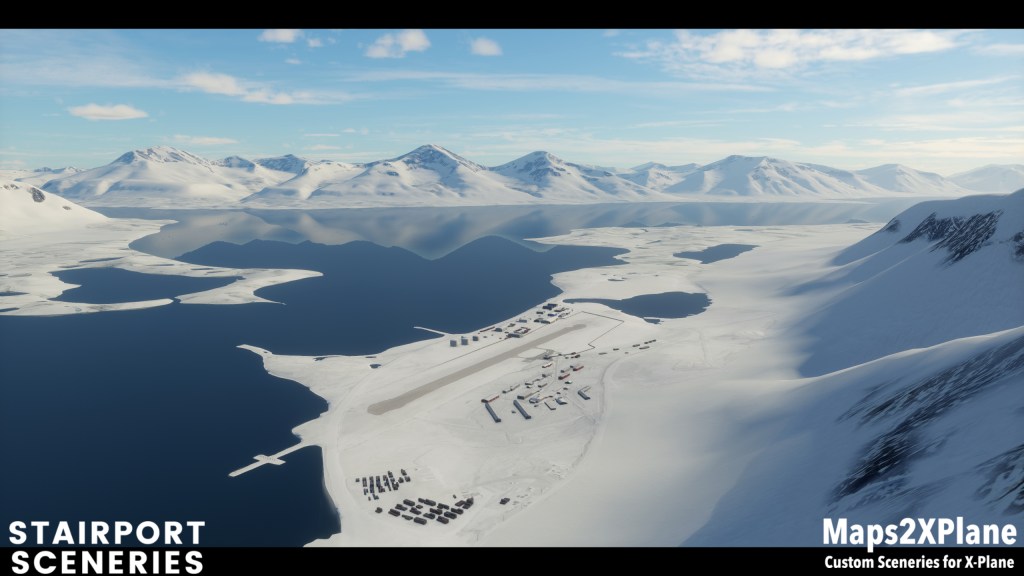

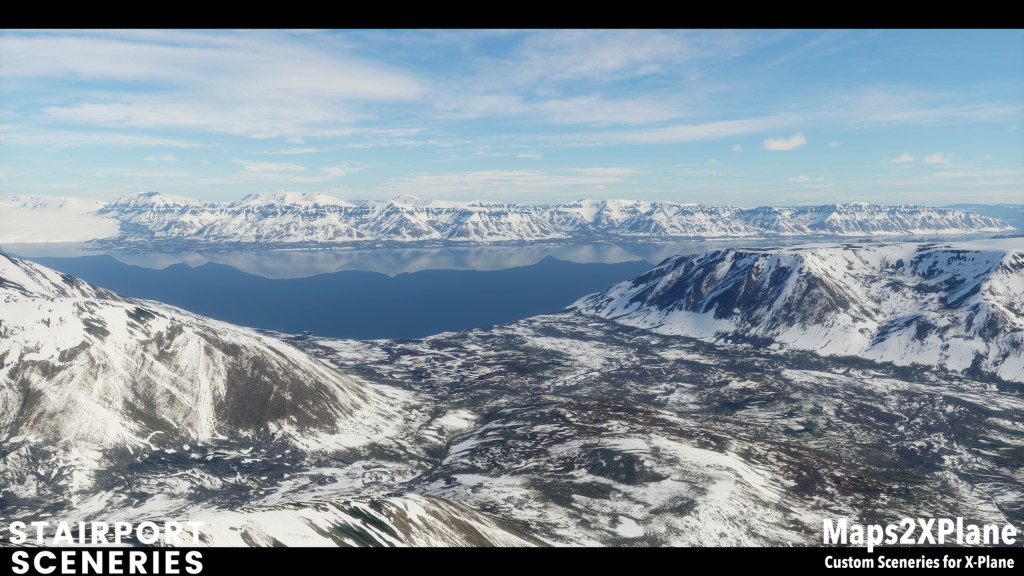
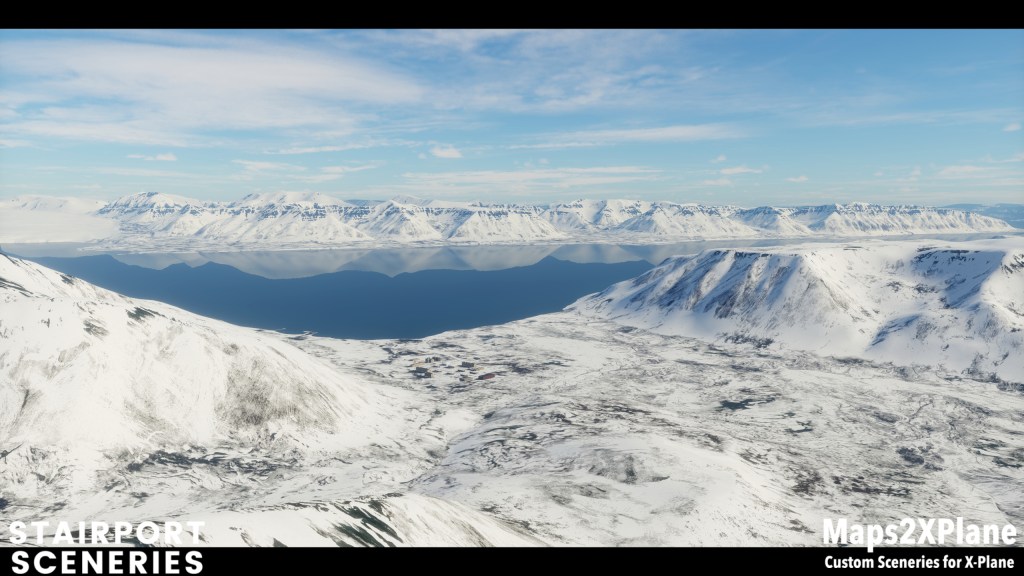
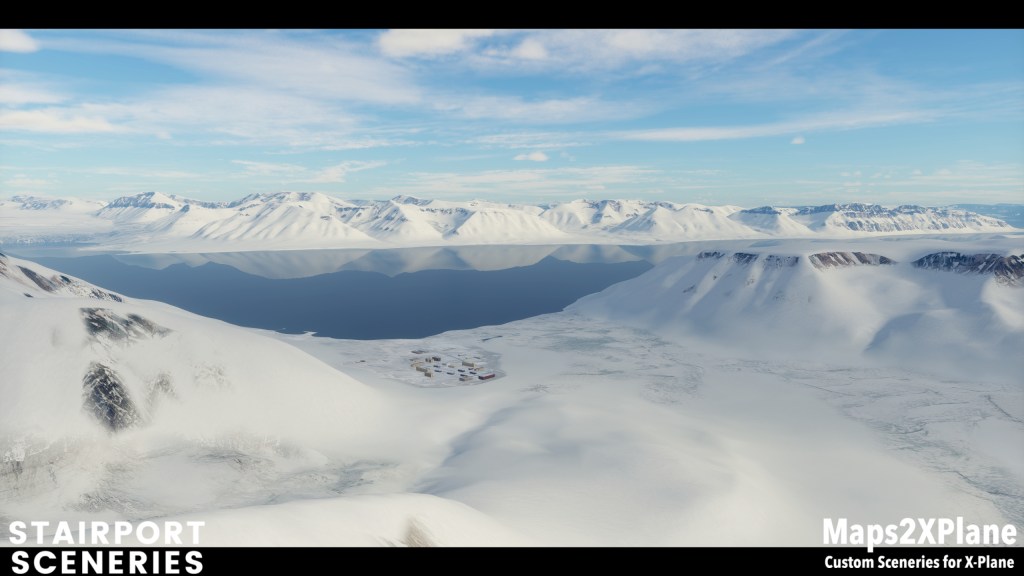
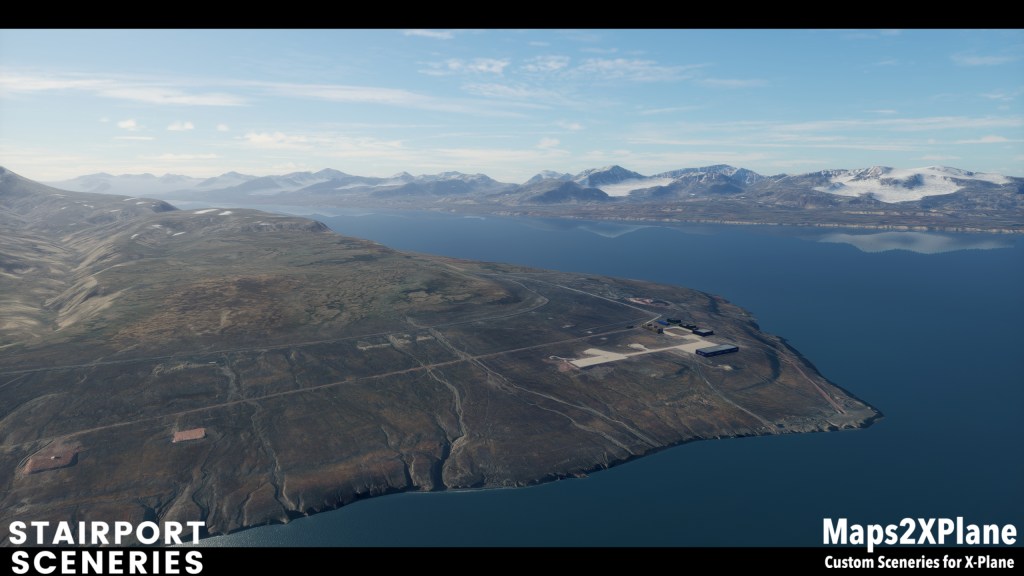
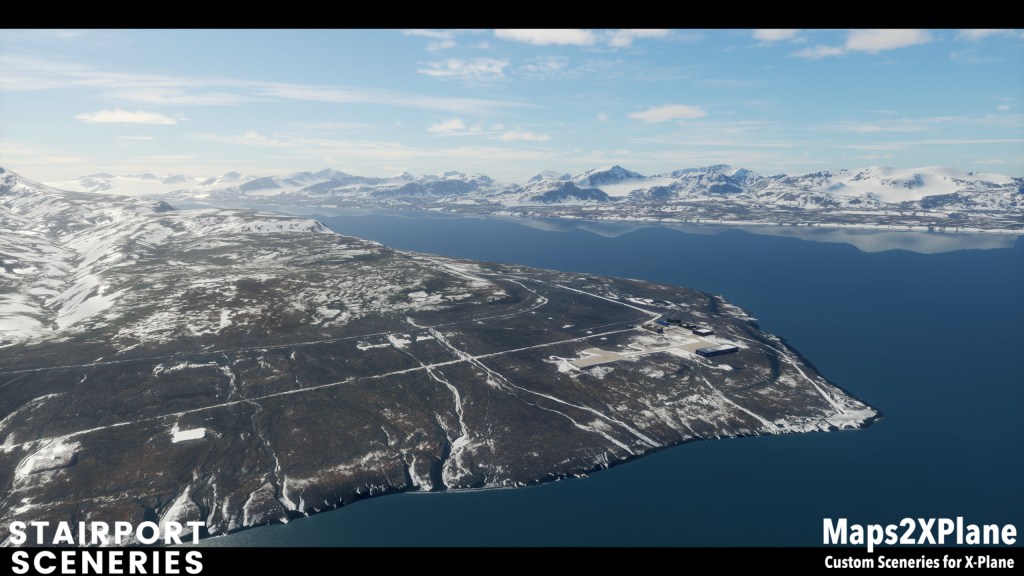
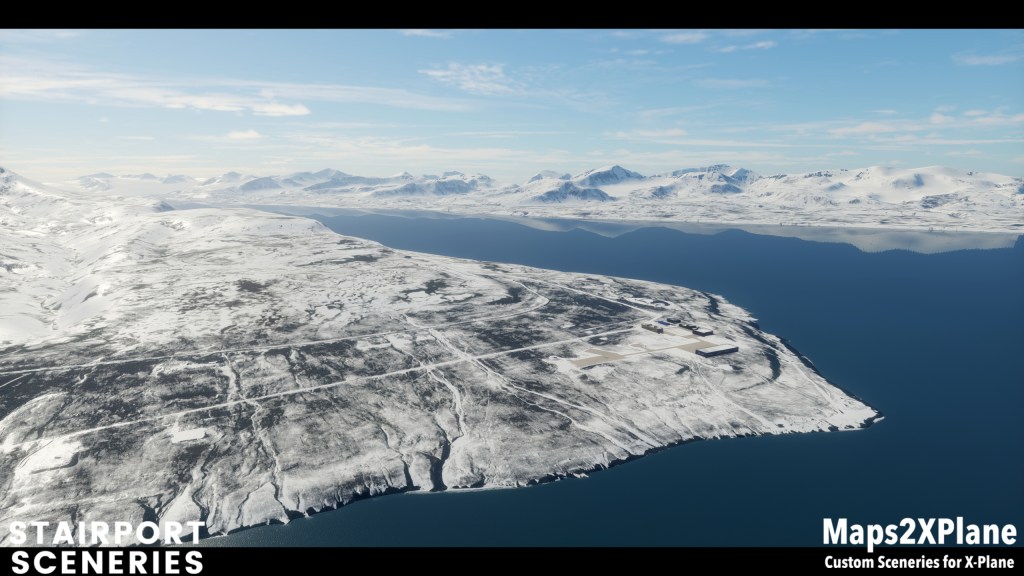
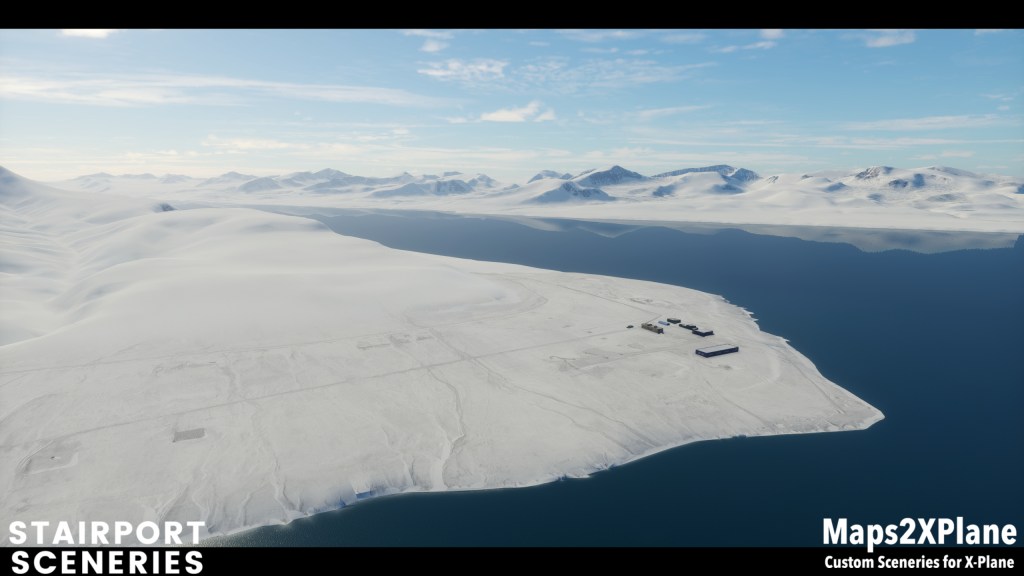
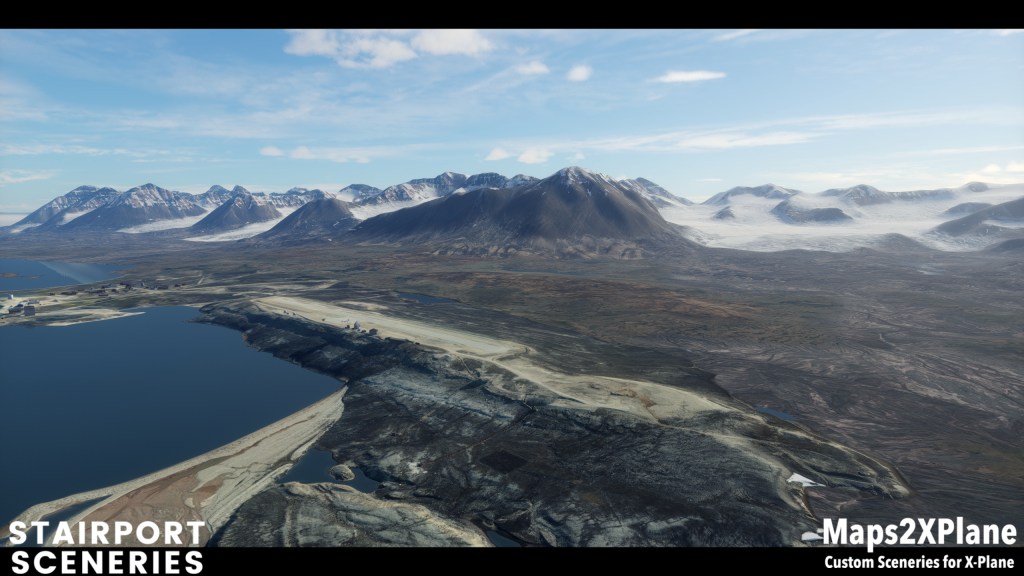
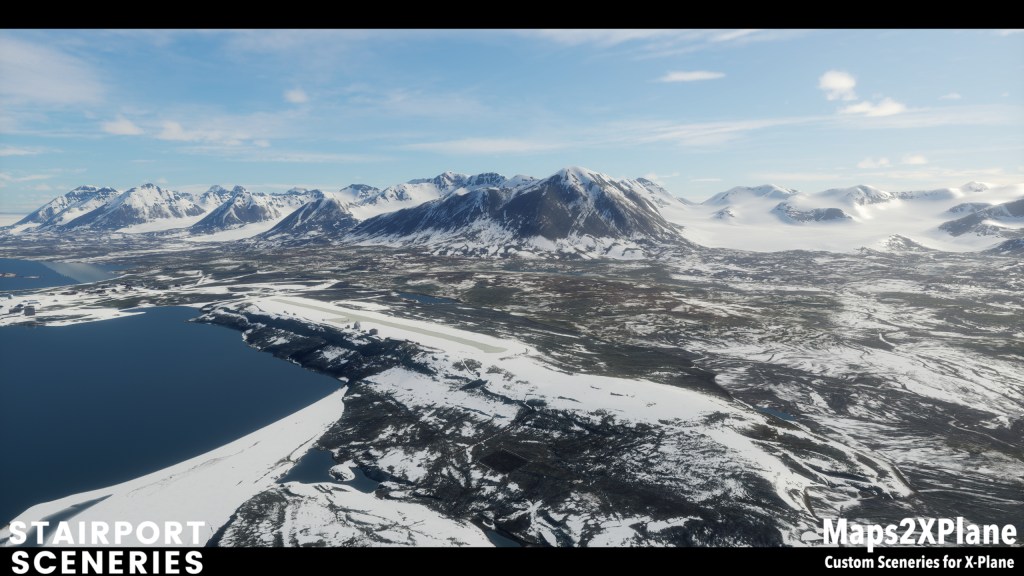
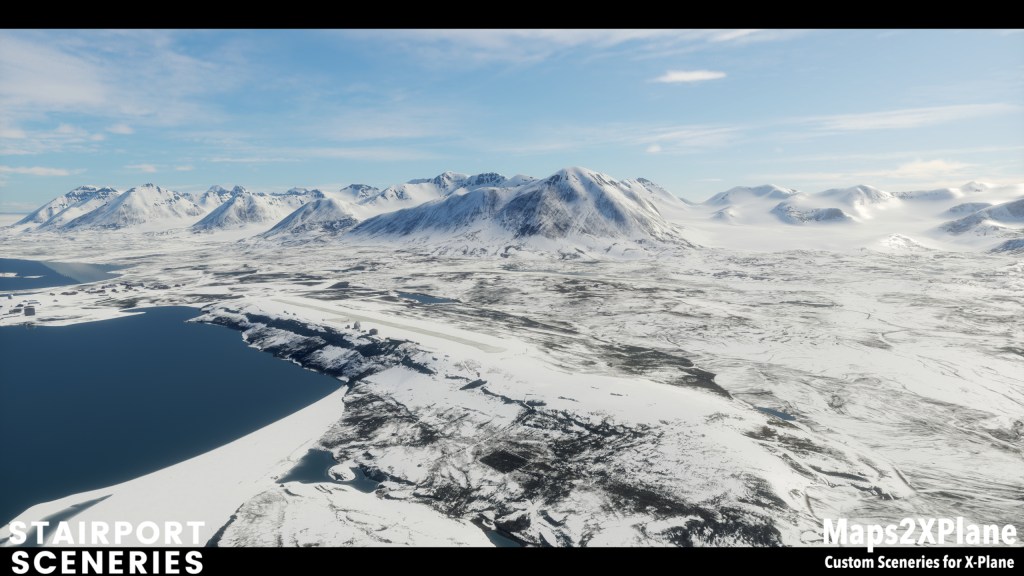
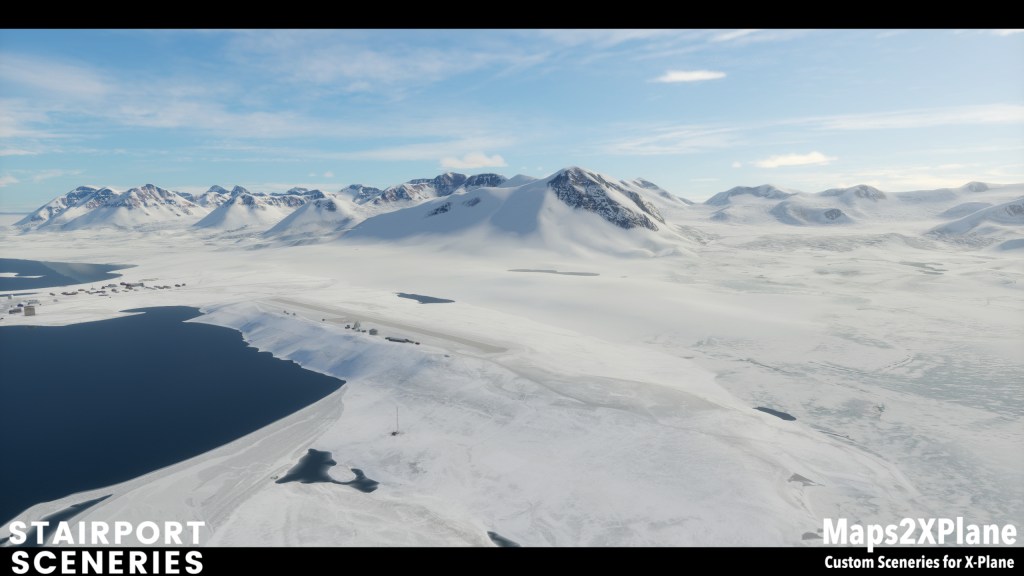
As you can see, it’s about seasonal changes. Or, more precisely, weather effects i.e. snow covering.
A bit of background info: As you know, Svalbard XP has supported custom seasonal texture sets, that are loaded based on the date in the XP flight settings – first and the last image in each row in above image gallery, since the initial release for XP11. With XP12 weather effects were introduced in X-Plane by default, and these overlay since then the seasonal textures of Svalbard XP.
This “interaction” between our own seasonal textures and XP12 default weather effects, more precisely snow covering, was not optimal until now – the worst case could lead in the various locations i.e. airports and heliports being completely covered in snow and thereby unusable. With the current update of Svalbard XP to version 1.2 this “interaction” has now been optimized.
Svalbard XP is available through our publisher Aerosoft and is also available on Steam. The update to version 1.2 is free for existing customers – simply start Aerosoft One or Steam App, and download and install the update. If you haven’t already tried Svalbard XP, you can purchase product keys directly from Aerosoft, or on Steam, or from partner shops such as the Org Store.
PS. If you don’t know Svalbard XP yet, find everything you need to know in the dev blog…
 Maps2XPlane